
























How to change all colors in Google Slides
Learn how to change all colors in Google Slides at once: shapes, text, borders, backgrounds. Compare theme editor, master slide, and Search & Replace Colors and Fonts add-on.
Read article →

 Slides and
  Docs
Docs Boost your productivity with the Search & Replace add-on for Google Slides and Docs.
Trusted by individuals from these teams
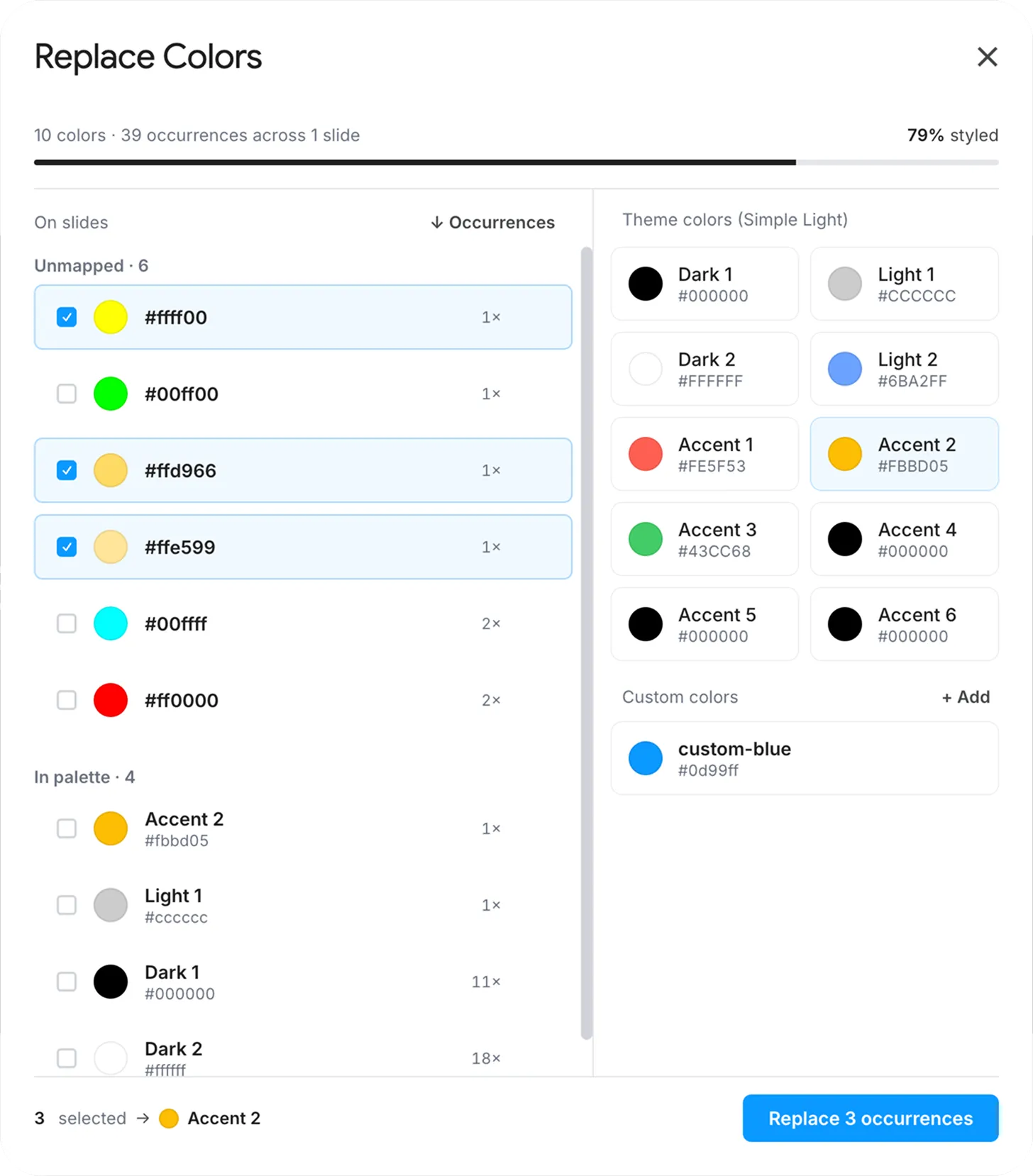
Your client just updated their brand palette. Again. Instead of clicking through 47 slides to hunt down every hex code, let Search & Replace do it in one shot: select the old color, pick the new one, done. Works on fills, borders, shadows, tables, images and charts, theme colors and custom hex alike.
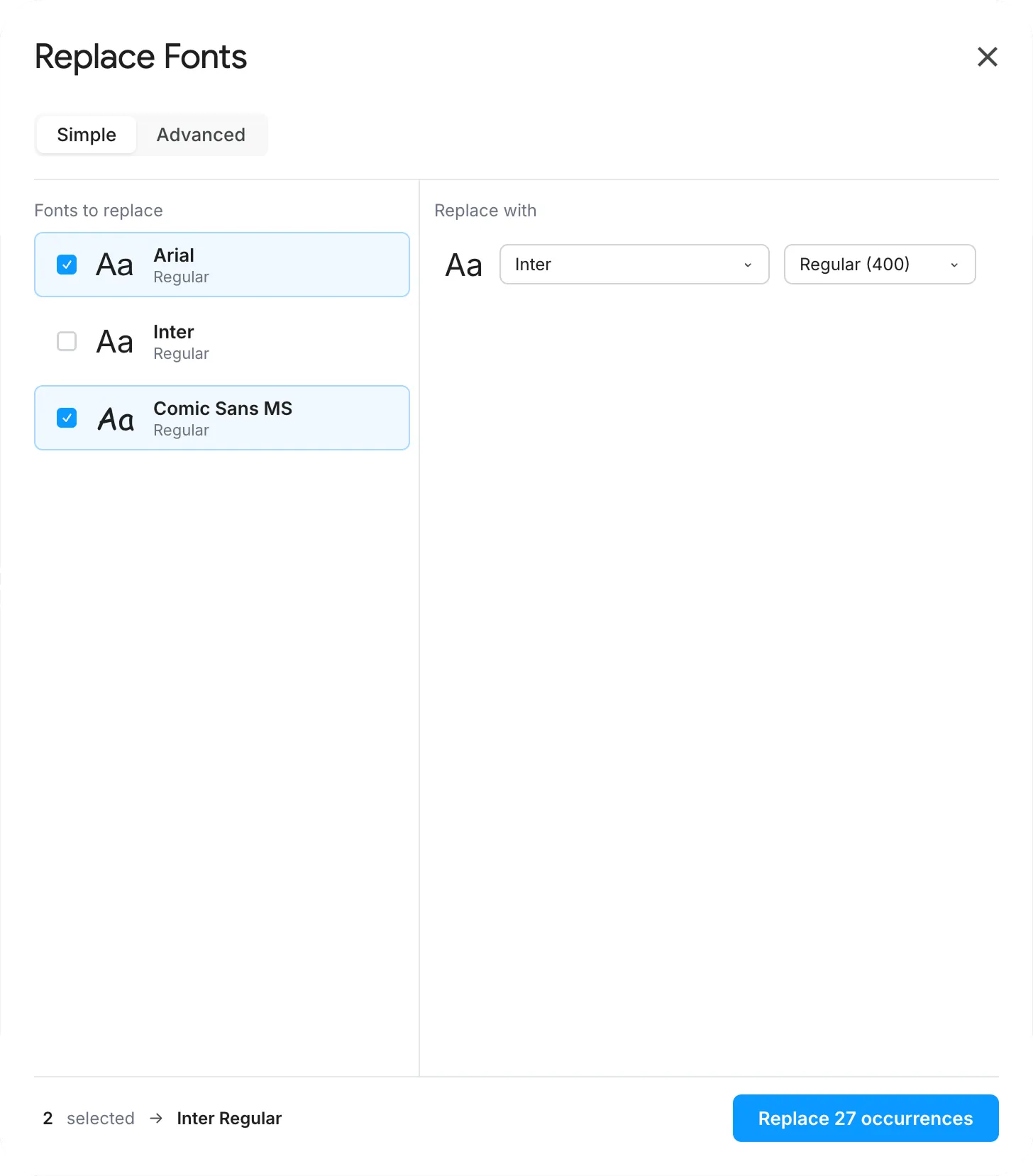
Whether you’re enforcing a brand guide or fixing a last-minute font disaster before a big presentation, replace every instance of any font in your deck (family, weight and size) without touching your layout. Use Simple mode for one-click swaps, or Advanced mode to target a specific weight.
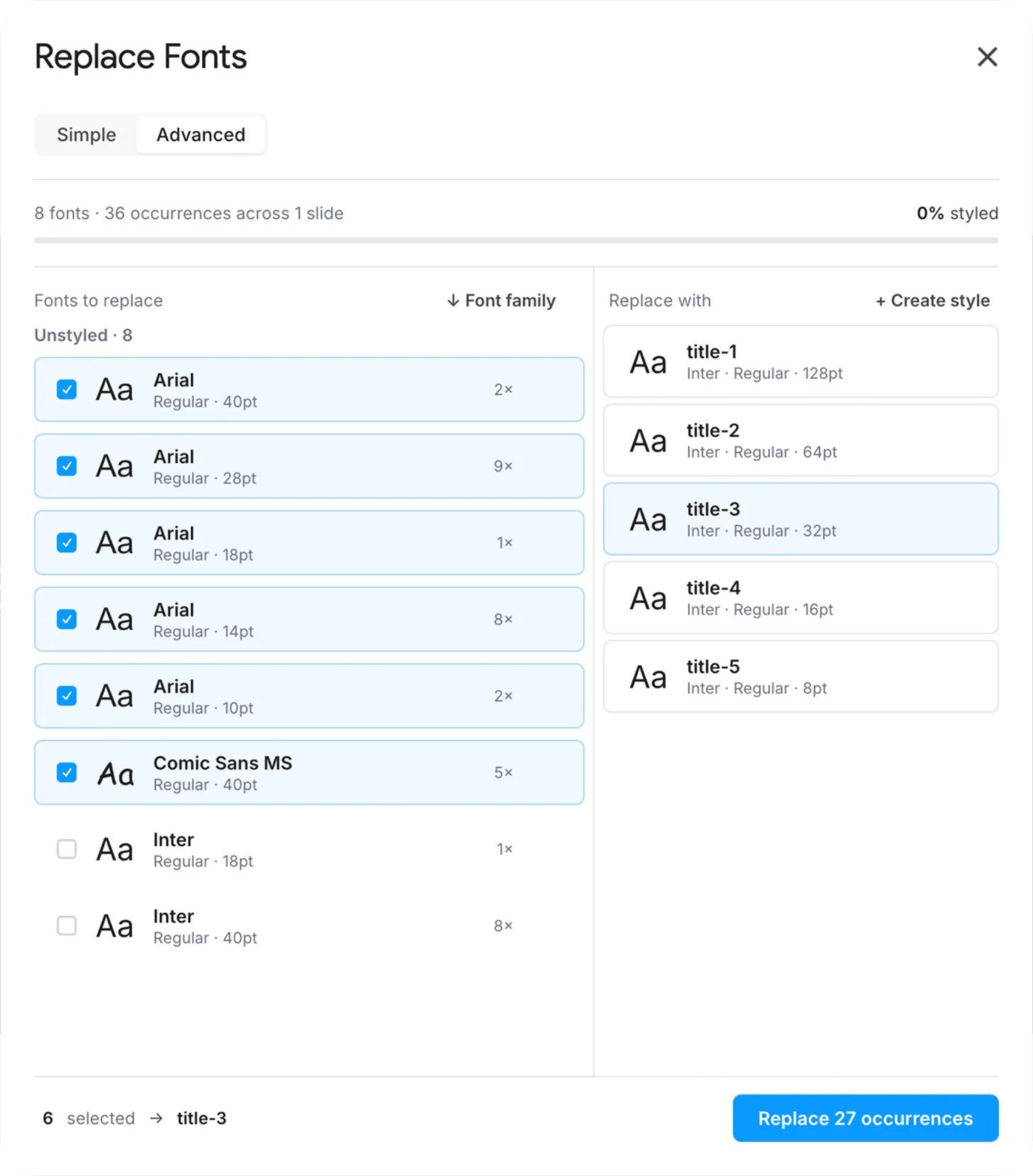
Target a specific family, weight and size (swap every Comic Sans for Helvetica, or just the bold 18 pt headings) without touching the rest of your deck.
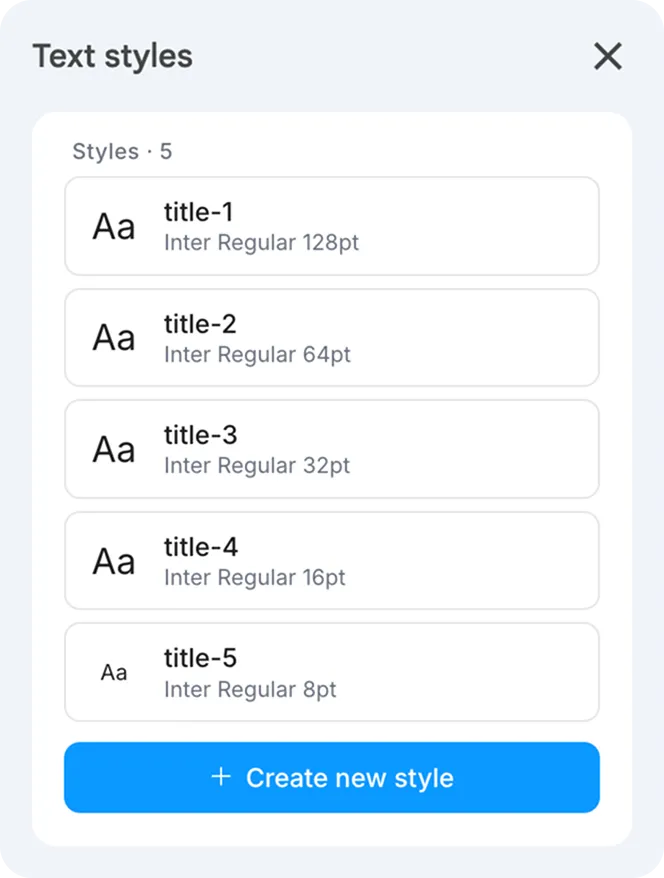
Save and apply text styles across your document: keep headings, captions and callouts consistent without re-formatting by hand.
Testimonials
Why didn’t I discover this tool sooner?! It should be a native feature of Google Slides. Does exactly what you ask of it.
A tool that truly makes life easier! Even after several people had edited the presentation, I was able to fix all the unwanted colors in one go. A real time-saver!
I was about to spend my whole night editing 150 slides by hand... I installed this add-on and the problem was solved in 3 minutes. Paid for itself instantly!
Thanks Tavernier Olivier! You are a life saver. Perfect tool.
Save me much time, thanks :)
Blog